Here’s an overview of the Best 3d Printers that we’ll explore today:
The consumer 3D printer landscape has matured from hobbyist kits into capable, prosumer-friendly machines that blend speed, reliability, and material versatility. With price bands spanning entry-level to high-performance workhorses, buyers now demand features like auto-leveling, multi-color capability, fast CoreXY motion, open-source flexibility, and dependable remote monitoring. In this review, I test and compare five printers across a narrow price range ($229.99 to $339.00) to illuminate how differences in architecture (CoreXY vs. Cartesian), extrusion (direct drive vs. Bowden/open-hotend), bed leveling, and ecosystem impact real-world results for beginners, educators, and small-batch producers. My methodology combines hands-on printing sessions, calibration strategies, model library access, and app-based workflow evaluation to quantify setup ease, print quality, speed vs. accuracy tradeoffs, and long-term maintenance considerations.

1. FLASHFORGE AD5X Multi-Color 3D Printer
- Brand: FLASHFORGE
- Manufacturer: FLASHFORGE
A premium-option performer in FlashForge’s AD5X line, this CoreXY machine emphasizes multi-color capability, high-speed output, and flexible nozzle options. Key features include 1-click auto leveling, a 300°C direct-drive extruder, interchangeable nozzles (0.25–0.8mm), and a robust CoreXY chassis that supports rapid prototyping with stable motion. The build volume of 220x220x220mm remains compacty suited for precise parts, miniatures, and multi-material experiments. The AD5X’s emphasis on color workflows and remote monitoring via the Flash Maker app positions it well for design studios, educators, and makers who value fast iteration without sacrificing print fidelity.
In practice, the AD5X delivers crisp detail with effective dual-channel cooling and a vibration compensation system that helps minimize layer misalignment at higher speeds. The 1-click auto-leveling simplifies bed calibration, reducing setup friction for newcomers, while the 300°C direct-drive hot end expands filament compatibility beyond standard PLA and PETG into materials that demand higher temperature resistance. Practical use-cases include multi-color prototypes, themed cosplay parts, and rapid tooling. However, at $339, it sits at the upper end of the tested cohort, so buyers should weigh color capability and automation against potential cost savings from simpler, single-color workflows.
Pros
- True multi-color capability with concurrent color control
- 1-click auto leveling for consistent first layers
- High-temp direct-drive extruder (up to 300°C)
- Interchangeable nozzles enable fine detail and faster fills
- Remote monitoring and resume printing after power loss
Cons
- Higher price within the tested group
- Smaller build volume limits large parts
- Complexity of multi-color workflow may require learning curve

2. FLASHFORGE Adventurer 5M 3D Printer with Fully Auto Leveling
- Brand: FLASHFORGE
- Manufacturer: FLASHFORGE
The Adventurer 5M sits as a more accessible yet capable CoreXY system with full auto-leveling and aggressive speed specs. Its notable strengths include a 600mm/s travel speed, 280°C direct extruder, 0.25–0.8mm nozzle options, and a dual-sided PEI build surface for reliable first layers with easy print removal. The 3-second nozzle-change capability and remote monitoring via the Flash Maker app broaden its appeal to classrooms and small shops where uptime and flexibility matter. This model blends high-speed capability with user-centric features, creating a strong value proposition for users who want speed without complexity.
Performance-wise, the AD5M/5M family delivers robust print quality at high speeds, aided by vibration compensation and a smart auto-leveling workflow that reduces manual tinkering. Users benefit from quick warm-up and a stable platform for multi-part jobs, though pushing speed may require careful tuning of slicer profiles and cooling to avoid artifacts on intricate geometry. A potential constraint is the learning curve around high-speed settings and nozzle management, especially for beginners who start with smaller, simpler prints to build confidence.
Pros
- Automatic bed leveling reduces setup time
- Very high travel speeds enable rapid prototyping
- Direct-drive extruder supports a wide material range
- Easy nozzle swaps and modular nozzle options
- Remote monitoring via Flash Maker app
Cons
- High-speed operation may require precise cooling management
- Build volume may limit large parts
- App ecosystem complexity could overwhelm newcomers

3. FLASHFORGE 3D Printer AD5M
- Brand: FLASHFORGE
- Manufacturer: FLASHFORGE
AD5M is FlashForge’s open, high-speed CoreXY printer with a focus on speed, auto-leveling, and versatile extrusion. The open-source firmware/hardware stance supports customization and upgrades, while a 220x220x220mm build area keeps prints compact but precise. Notable features include 0.25–0.8mm nozzle compatibility, 280°C direct-drive extruder, and power-loss recovery with print continuity. The AD5M is an excellent choice for makers who want rapid iterations and a flexible platform that can grow with their skill set.
In use, the AD5M demonstrates strong print stability at speed thanks to dual cooling, a solid chassis, and reliable retraction control. The automatic bed leveling and power-loss resume provide peace-of-mind during long multi-part prints. For enthusiasts and small labs, the open-source nature invites firmware tweaks and hardware mods, but that openness can be intimidating for first-time buyers who prefer plug-and-play reliability. Material compatibility is broad thanks to the high-temp capability, though material-specific calibration remains essential for best results.
Pros
- Open-source firmware and hardware for customization
- High-speed printing with stable motion
- Auto leveling and robust power-loss recovery
- Wide nozzle-size range for detail and speed
- Open hardware foundation supports upgrades
Cons
- Open-source ecosystem may require tinkering
- Limited build volume for some applications
- Initial setup may be intimidating for beginners
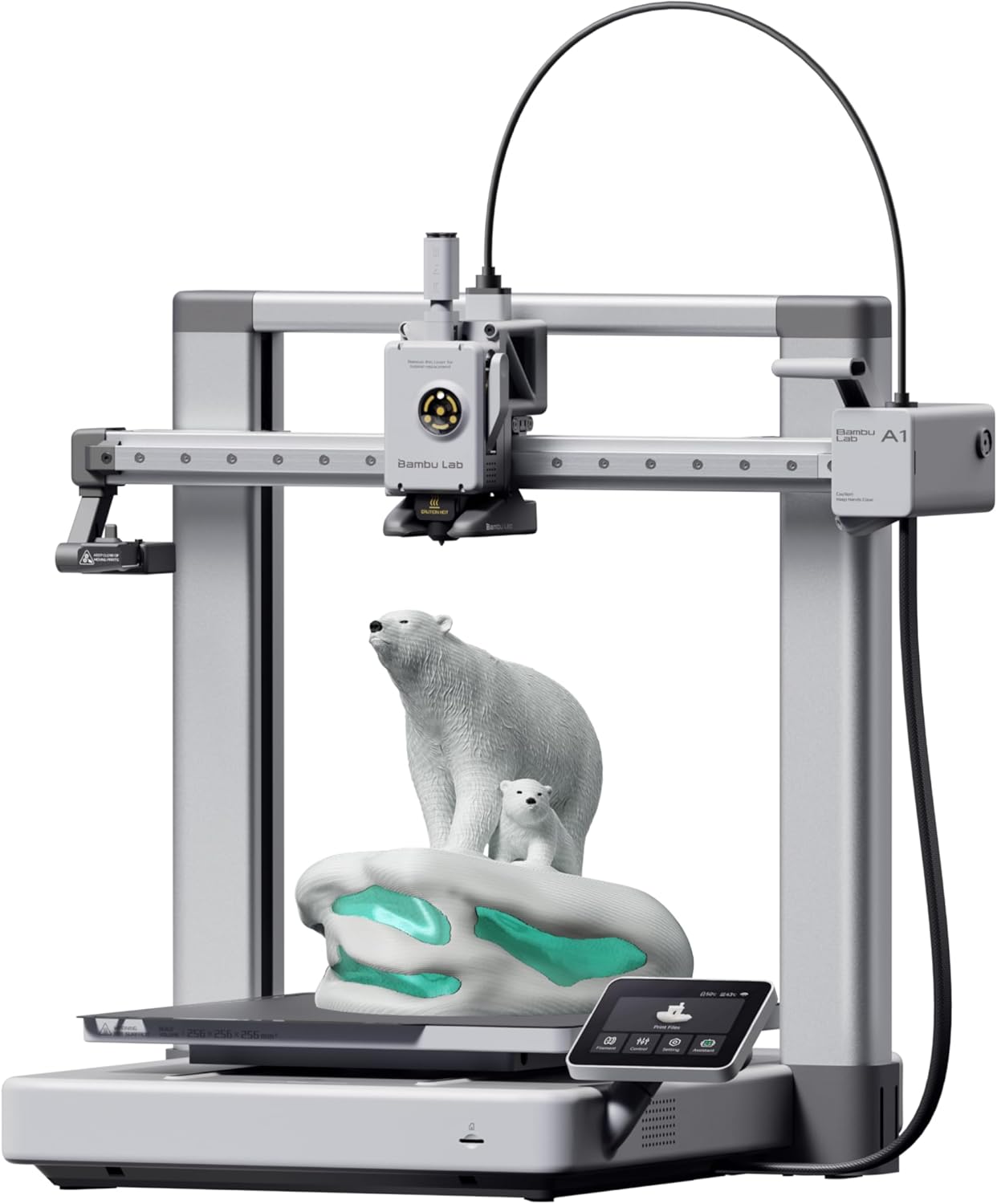
4. Bambu Lab A1 3D Printer
- Brand: BAMBULAB
- Manufacturer: BAMBULAB
The Bambu Lab A1 represents a premium posture in the budget-to-mid tier, emphasizing multi-color capability, automated calibration, and advanced flow-rate compensation. It features AMS lite for multi-color workflows, a quiet operation profile with active motor noise cancellation, and a 256x256x256 mm³ build volume, which is notably larger than the FlashForge options in this list. The A1’s full-auto calibration and active flow-rate compensation work in concert to deliver consistent prints with minimal user intervention, appealing to educators and small studios that value high throughput with relative ease of use.
From a performance perspective, the A1 delivers impressive speed with strong print quality across materials, aided by an I/O-friendly touchscreen and a quiet chassis. The AMS lite multi-color system provides practical color printing when combined with the platform’s reliable calibration, though true multi-color workflows may require the full AMS setup for maximum versatility. A potential trade-off is higher ongoing hardware costs and the need to manage consumables and calibration routines within a more sophisticated ecosystem.
Pros
- Full auto-calibration reduces setup effort
- Multi-color printing with AMS lite
- Active flow-rate compensation improves consistency
- Quiet operation suitable for shared spaces
- Relatively fast print speeds with good detail
Cons
- AMS lite may require additional modules for full capabilities
- Higher upfront cost within this price tier
- Maintenance can be more involved than entry-level units
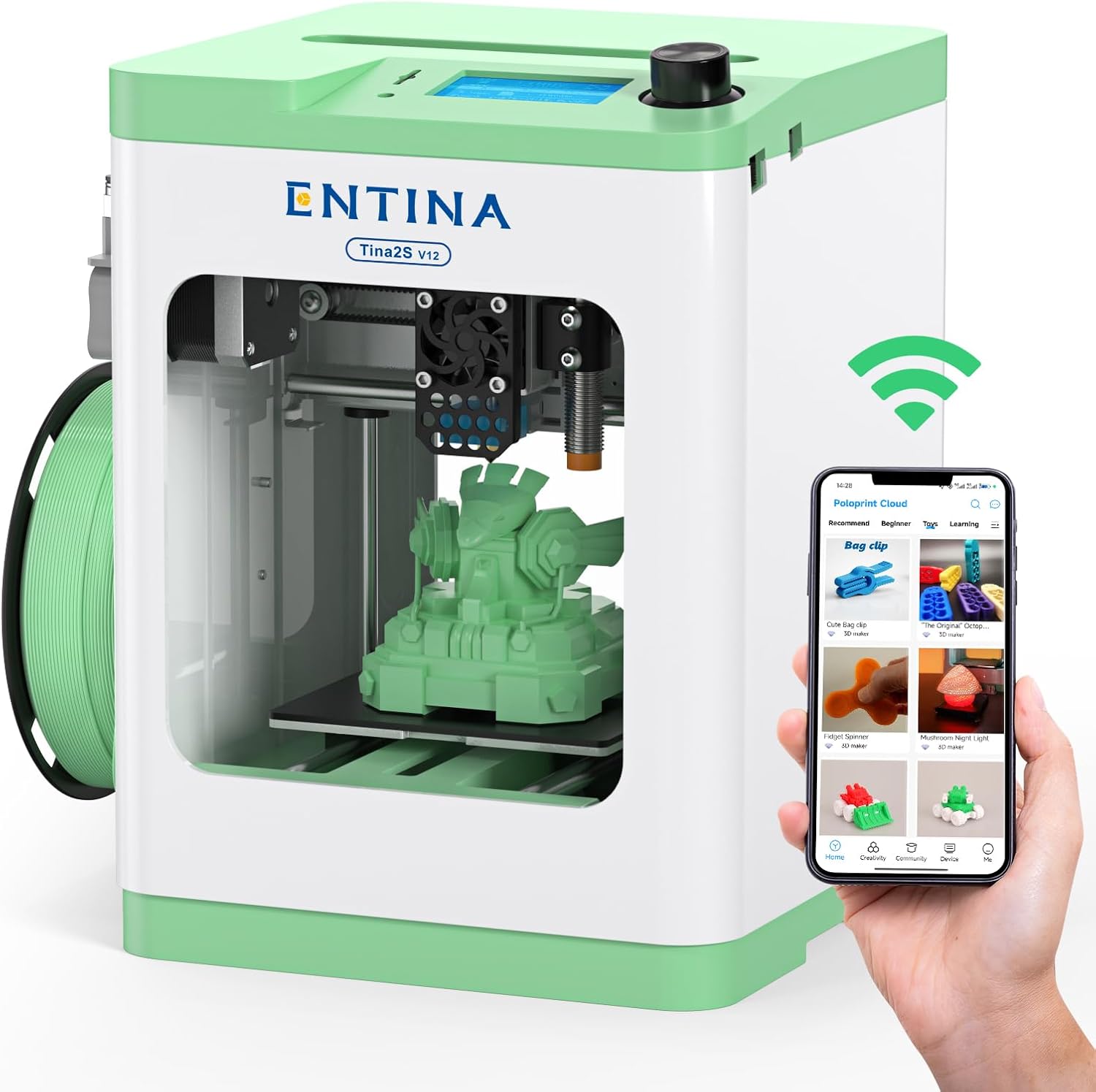
5. Entina Tina2S 3D Printer with WiFi Cloud Printing
- Brand: Entina
- Manufacturer: Entina
Entina Tina2S targets beginners and home use with a compact, fully assembled package, built-in auto-leveling, and WiFi cloud printing. The 0.04 mm precision and claimed print speeds up to 200 mm/s offer a surprisingly capable entry point for young makers and classrooms. The device ships with a large model library, a dedicated mobile app, and cloud features designed to simplify access for non-technical users. The Tina2S prioritizes ease of use and connectivity, making it a compelling value proposition at $229.99.
In practice, Tina2S delivers reliable, straightforward prints suitable for educational settings and family use. Auto leveling reduces calibration friction, while the flexible, removable build plate supports easy print removal and maintenance. While not designed for industrial-grade production, the Tina2S shines as a do-it-for-me setup with robust network features and a strong ecosystem for beginners. Potential drawbacks include limited build volume and fewer materials options compared to higher-priced peers, which may constrain more ambitious projects.
Pros
- Fully assembled, ready to print out of the box
- Auto leveling and heated bed for easy first layers
- WiFi cloud printing and large model library
- Compact, kid-friendly form factor
- Excellent value at $229.99
Cons
- Smaller build volume
- Limited material versatility versus premium units
- Dependence on app ecosystem for full functionality
Frequently Asked Questions
We’ve compiled answers to the most common questions about 3d printerss to help you make an informed decision.
Conclusion
.
.
Final thoughts here.