Here’s an overview of the Best E-ink Tablets that we’ll explore today:
The e-ink tablet category sits at the intersection of dedicated digital note-taking, reading, and lightweight productivity. Modern devices blend lightweight digital paper experiences with general-purpose computing, making them viable for students, professionals, and power readers who want reduced eye strain, long battery life, and focused workflows. This review evaluates five models across a price spectrum from budget to premium, ensuring a clear view of where each device shines and where trade-offs occur. Our testing methodology combines objective measurements (display type, resolution, RAM/ storage, battery life, input latency), with real-world usage scenarios (note-taking with stylus, document annotation, reading and annotating PDFs/epubs, and light app-based productivity). The lineup includes TCL NXTPAPER 11 Plus and NXTPAPER 11 Gen 2 (Android tablets with drawing and writing modes), reMarkable 2 (paper-like experience with a focused UI), Penstar eNote 2 (high-contrast 300 PPI e-ink with AI-assisted features), and a generic Onyx Go 7 e-paper reader for reference in the e-ink ecosystem.
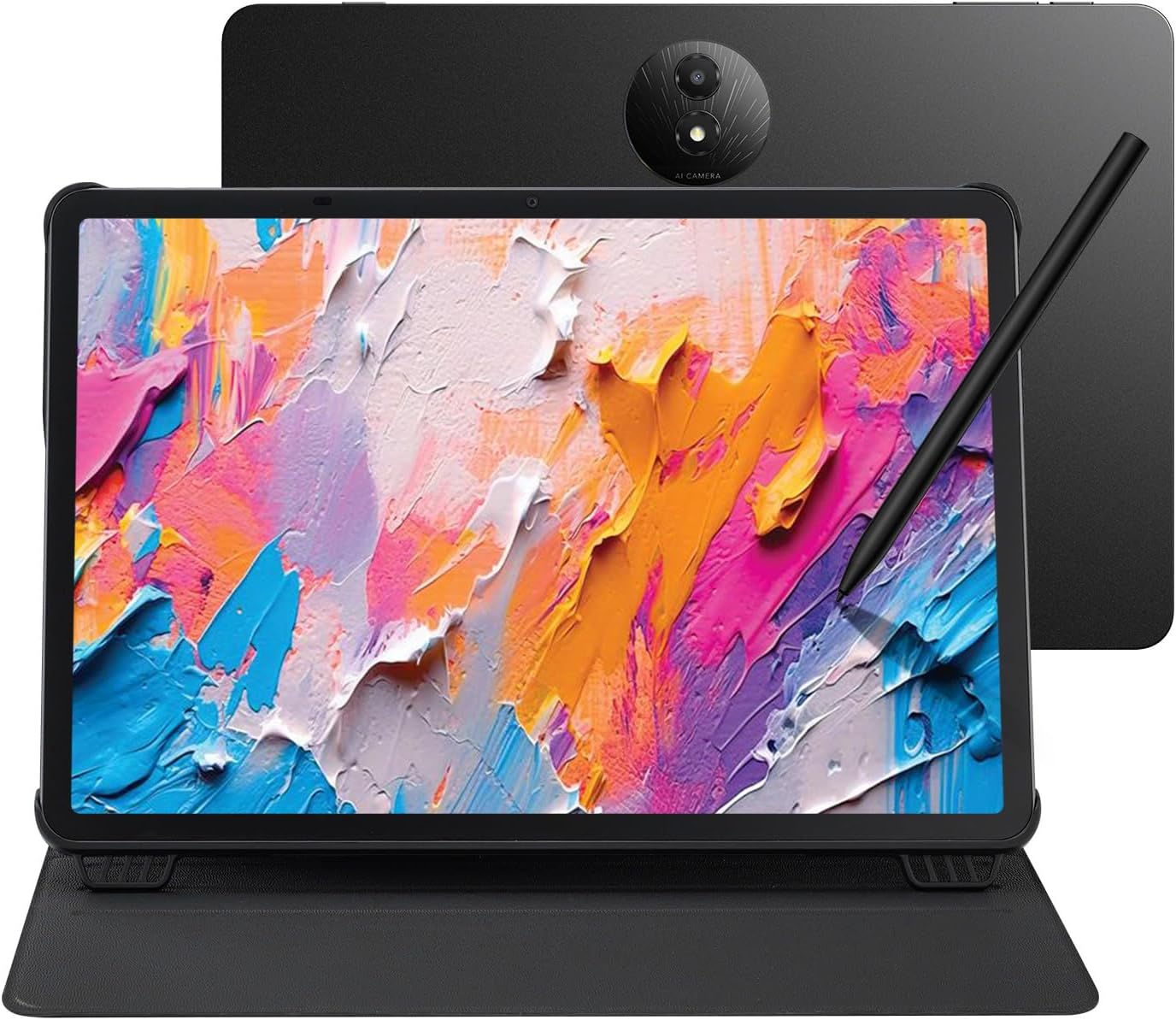
1. TCL NXTPAPER 11 Plus Android Tablet
- Brand: TCL
- Manufacturer: TCL
The TCL NXTPAPER 11 Plus positions itself as a versatile all-in-one device that bridges drawing, note-taking, and everyday Android tablet tasks. It features a large 11.5″ 120Hz 2.2K display, a 4096-pressure-level T-PEN, and 256GB of internal storage, all powered by Android 15. The NXTPAPER 4.0 panel emphasizes eye comfort with low blue light, anti-glare coating, and DC dimming, complemented by TCL’s AI-powered productivity tools such as real-time translation, voice memos, and Circle to Search with Google. The 3-in-1 VersaView mode adds flexibility for varied use cases, from content consumption in Regular Mode to reading and note-taking in Ink Paper Mode and softer visuals in Color Paper Mode. The device also supports 33W PD fast charging and reverse charging, with a substantial 8000mAh battery, making it capable of long study or creative sessions.
In practice, the NXTPAPER 11 Plus delivers smooth input thanks to its 120Hz panel and the 4096-pressure-lever stylus, which benefits both drawing and handwriting. Android 15 keeps the app ecosystem accessible, though you’ll want to assess app compatibility for niche productivity needs (e.g., advanced PDF annotation). The 256GB base storage is generous, and reverse charging can power accessories when away from a wall outlet. However, the device’s form factor, at 1.08 pounds and a metal chassis, can still feel substantial for long periods away from a desk. Camera specs are serviceable for video calls, but not a primary selling point for this device.
Pros
- High-refresh 11.5″ 120Hz display for smooth drawing and media
- Large 256GB base storage with 8GB + 8GB RAM expansion for multitasking
- NXTPAPER 4.0 eye-friendly display with low blue light and DC dimming
- Comprehensive AI tools and Circle to Search for productivity
- Reverse charging turns the tablet into a power bank
Cons
- Heavier than typical e-ink-focused devices; less ideal for single-purpose reading
- Android 15 app experience may not optimize for note-centric workflows as seamlessly as dedicated apps
- Thermal and sustainment considerations under heavy use while charging
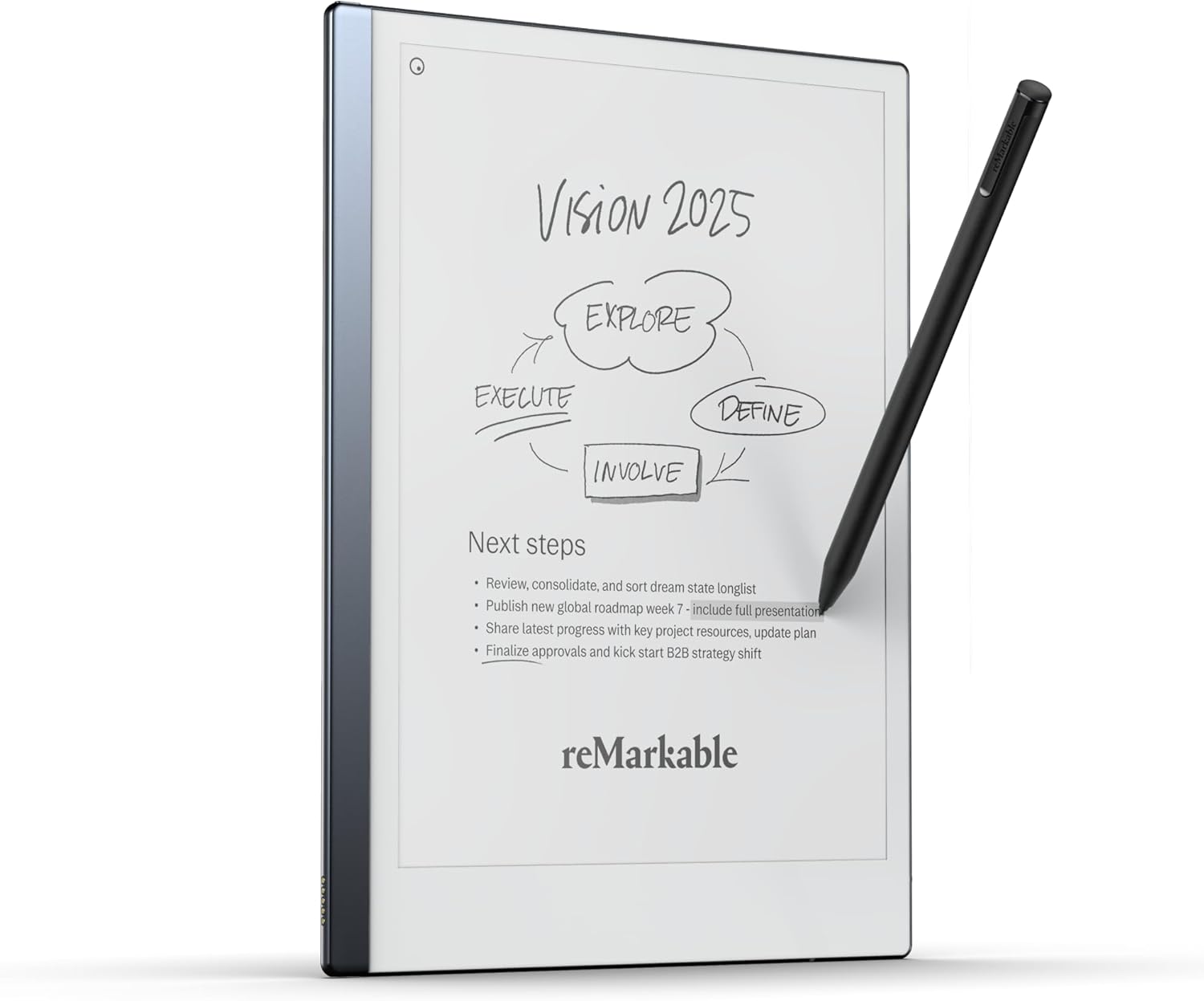
2. reMarkable Starter Bundle – reMarkable 2 is The Original Paper Tablet | Includes Black
- Brand: reMarkable
- Manufacturer: reMarkable
The reMarkable 2 is the archetype of the ‘paper-like’ experience. Its primary appeal lies in its minimalist UI, lack of apps, and a focus on handwriting, reading, and document annotation. The 10.3″ grayscale display with Marker Plus pen (including an eraser) mimics real writing and benefits from a slim 4.7 mm thickness and a claimed two-week battery life. The bundle emphasizes cloud sync, organized folders, and the ability to convert handwriting to typed text, all within a distraction-free environment that’s tailored for thinking and drafting rather than multitasking.
In real use, the device excels at focused reading and long-form note-taking, with seamless transfer of documents to other devices via cloud services. The lack of an app store and notifications reduces interruptions, but it also limits feature expansion. Note conversion to typed text works well for legibility, though it may require occasional corrections. The device’s weight (14.2 ounces) and reliance on the Marker Plus for writing are positives for precision but may be less comfortable for extended sessions without a proper grip. Battery life truly stands out for those who want hours of uninterrupted flow.
Pros
- Authentic paper-like writing feel and very light form factor
- Excellent focus mode with no apps/notifications to distract
- Efficient two-week battery life and robust cloud syncing
- Handwriting-to-text conversion improves later readability
- Slim profile and lightweight for travel
Cons
- No color display; grayscale only limits media and UI richness
- Limited productivity beyond note-taking; no public app ecosystem
- Requires learning curve for precise handwriting-to-text alignment
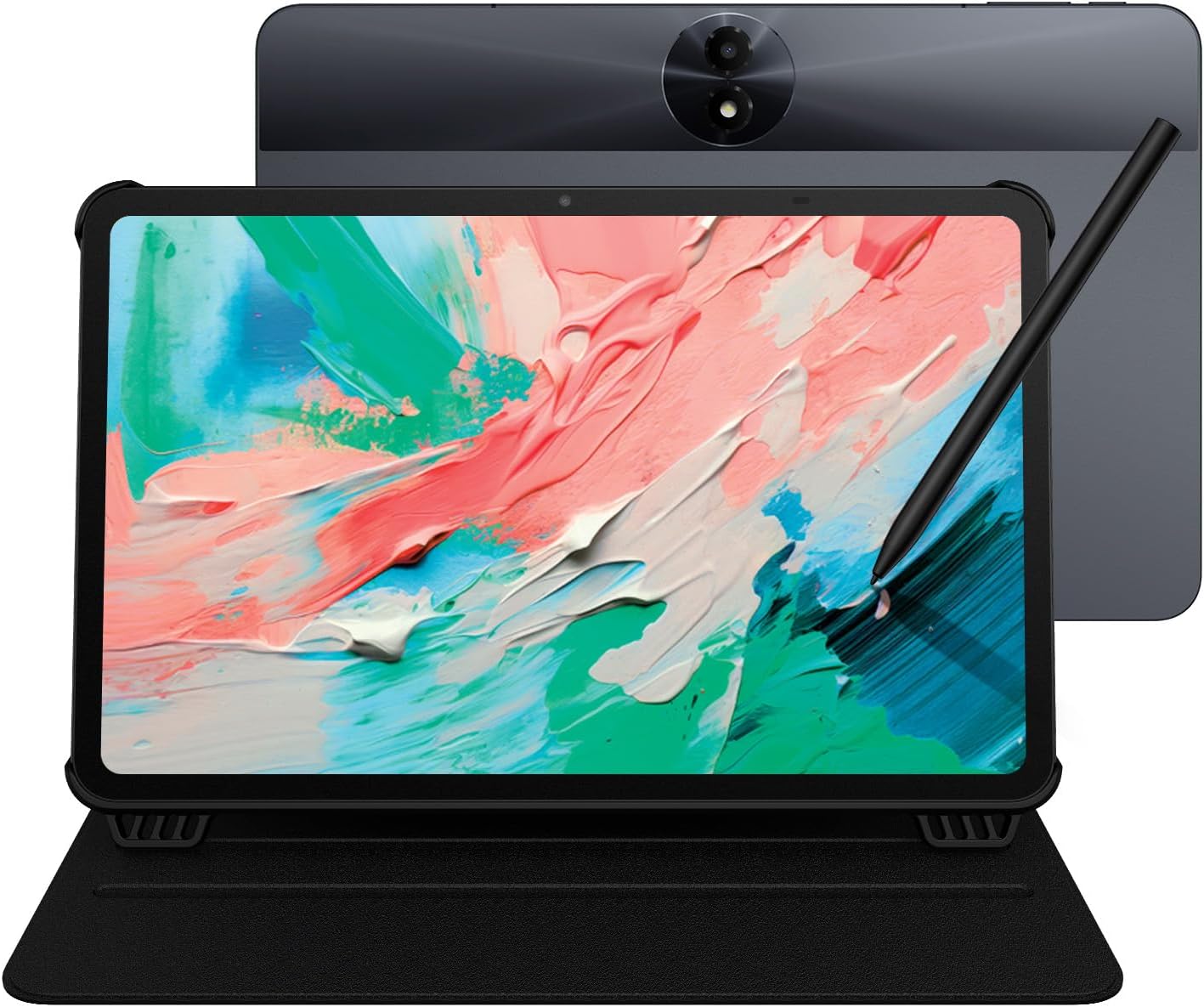
3. TCL NXTPAPER 11 Gen 2 Android Tablet
- Brand: TCL
- Manufacturer: TCL
The TCL NXTPAPER 11 Gen 2 is a trimmed-down version of the Plus, offering an 11″ 2K display, a 4096-pressure-level stylus, Android 15, and a sane 64GB base storage with 6GB + 6GB RAM. It emphasizes eye-friendly NXTPAPER 4.0 technology and a balanced feature set at a lower price point, making it a compelling value for students and casual creatives who want a capable drawing pad and digital notebook without paying for premium extras.
In usage, the Gen 2 benefits from the same eye-comfort features (low blue light, anti-glare, DC dimming) and includes AI-driven tools for productivity and translation. The smaller base storage compared to the Plus could be mitigated by microSD expansion, and the 8000mAh battery supports full-day sessions. The 11″ form factor keeps it portable, though the 1920×1200 resolution is adequate but not exceptional for heavy art detail. For note-taking and light illustration, the combination of 6+6GB RAM and a responsive stylus yields a satisfying experience.
Pros
- Excellent value with 11″ 2K display and NXTPAPER 4.0
- AI tools and real-time features improve productivity
- Solid battery life and Android 15 ecosystem
- Lightweight and portable with durable build
- Expandable storage support (via microSD)
Cons
- 64GB base storage may fill quickly with media and apps
- Display resolution is solid but not top-tier in class
- No 120Hz refresh like the Plus model
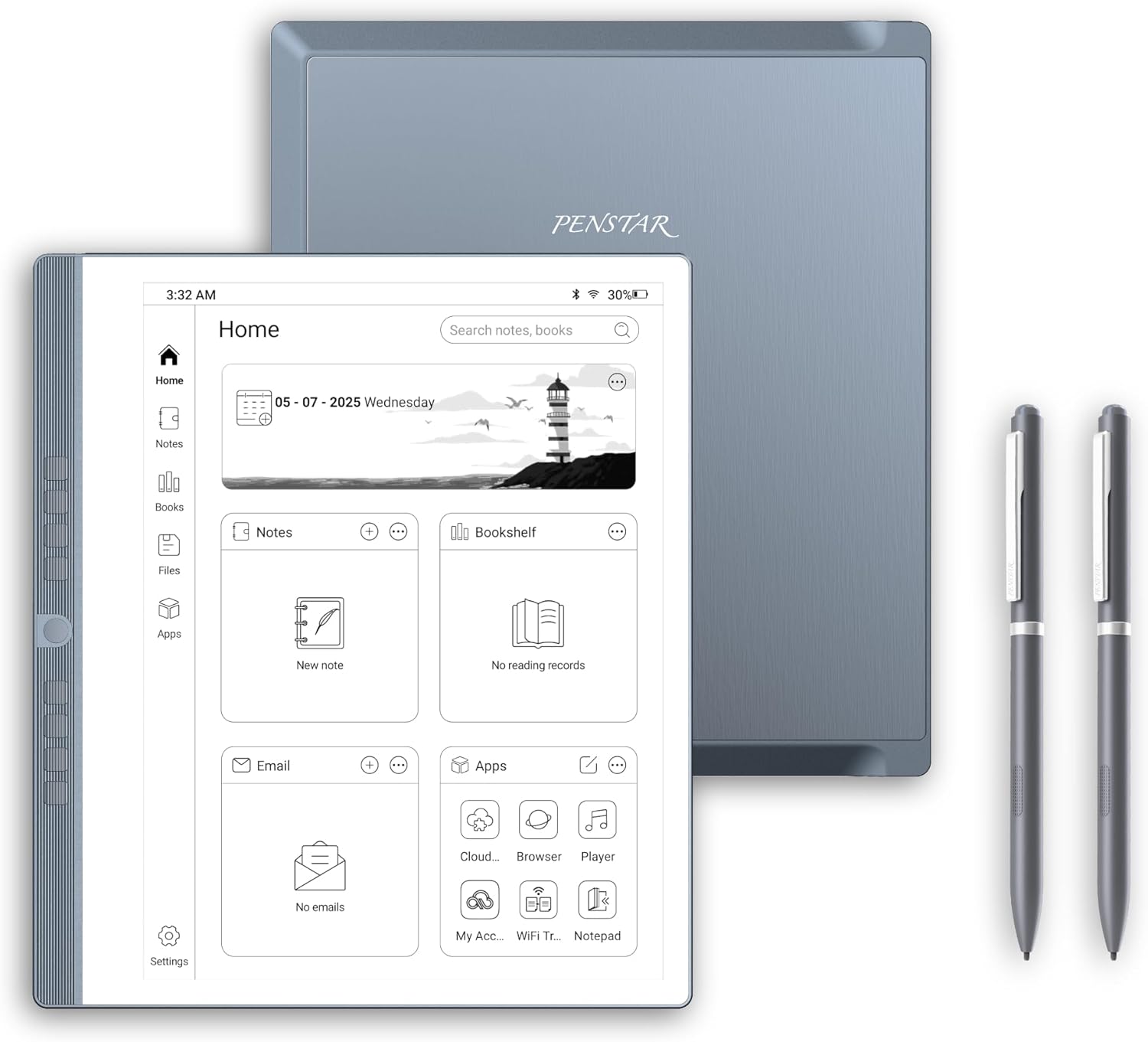
4. Penstar eNote 2 Paper Tablet Bundle
- Brand: Penstar
- Manufacturer: Penstar
Penstar’s eNote 2 Bundle centers on a pure e-ink writing experience with 300 PPI on a 10.3″ panel. It uses a pen-only workflow with 8192 pressure levels and MyScript handwriting conversion, plus AI-enabled real-time voice-to-text and multilingual support. The bundle includes two B5 pens, a leather folio, and robust offline capabilities, positioning it as a serious tool for professionals who want private, distraction-free note-taking and document annotation.
In daily use, the eNote 2 excels at focused writing, reading, and structured note workflows. The offline-first approach and absence of app distractions suit lawyers, researchers, and executives who value privacy. The 4GB RAM and 128GB storage are adequate for documents and notes, but may constrain large media libraries or complex multi-document workflows. The inclusion of programmable physical shortcut keys enhances navigation efficiency, while Android 14 offers access to typical apps when needed.
Pros
- Pure paper-like reading/writing on a high-ppi e-ink panel
- Dual B5 pens and offline capability with strong privacy
- Real-time voice-to-text and multilingual AI features
- Programmable physical shortcut keys for fast workflows
- Broad document format support and cloud sync
Cons
- Pen-only input may require adjustment for users who prefer touch support
- modest RAM and storage specs for large app usage
- Android-based, but optimized primarily for note-taking rather than multitasking
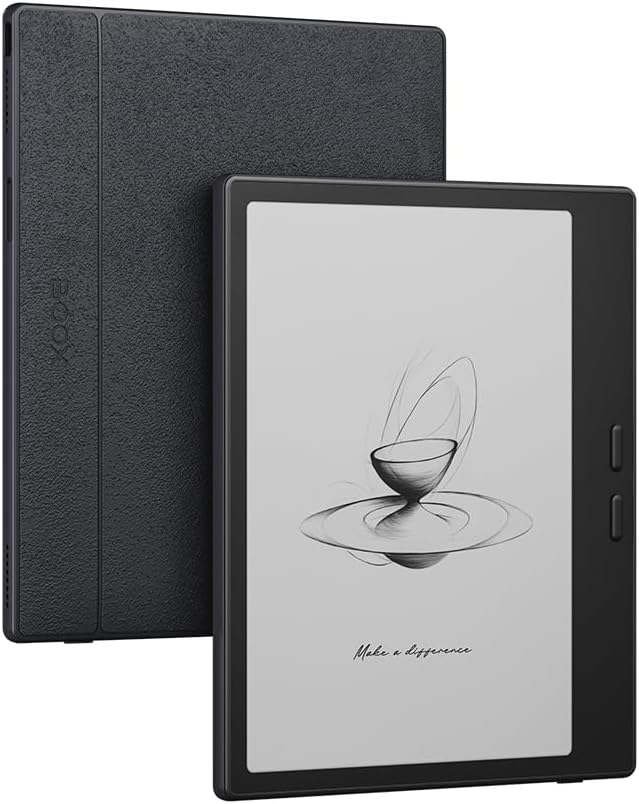
5. Onyx Go 7 E Ink Tablet 7″ ePaper Readers B/W eReader Digital Paper 300PPI 4G 64G
- Brand: Generic
- Manufacturer: Generic
The Onyx Go 7 is a compact 7″ e-ink reader designed for focused reading and basic annotation. With 300 PPI, a 2100×2100 display, and 64GB of storage, it emphasizes readability, adjustable front lighting, and annotation capabilities via its native NeoReader app. As a general-purpose reader that also supports basic note-taking, it sits at the budget end of the e-ink spectrum and includes 4G connectivity for on-the-go access, albeit with limited multitasking compared with full-fledged Android tablets.
In practice, the Go 7 prioritizes a paper-like reading experience with strong typography and contrast. While annotations are present, the device is not designed for heavy document editing or complex multitasking. Battery life is typically long, given e-ink efficiency, and 4G adds convenience for remote access. However, the screen size and color-impaired grayscale can limit media consumption and handwriting density for large notes. It’s best positioned as a dedicated reader with light annotation duties.
Pros
- Excellent 300 PPI reading quality on a compact 7″ panel
- Low power consumption and long battery life
- 4G connectivity for remote access and updates
- Lightweight and pocketable
- Strong annotation features in NeoReader
Cons
- Small screen limits handwriting and document browsing
- Grayscale display restricts media and color-coded workflows
- Limited multitasking compared to Android tablets
Frequently Asked Questions
We’ve compiled answers to the most common questions about e-ink tabletss to help you make an informed decision.
Conclusion
Final thoughts: For readers prioritizing comfort and battery life, the Onyx Go 7 and reMarkable 2 offer strong fits, though at different price points.
If you need a versatile device that can double as a drawing tablet and app-powered productivity tool, TCL NXTPAPER 11 Plus/Gen 2 present compelling value.
For dedicated note-taking with a premium, distraction-free environment and offline privacy, Penstar eNote 2 is a standout option. The best pick depends on your balance of drawing/reading needs, ecosystem preference, and whether you value app access over a focused workflow..