Here’s an overview of the Best TOP 5 Best Laptops For College | Ultimate that we’ll explore today:
|
1
 |
Top Pick
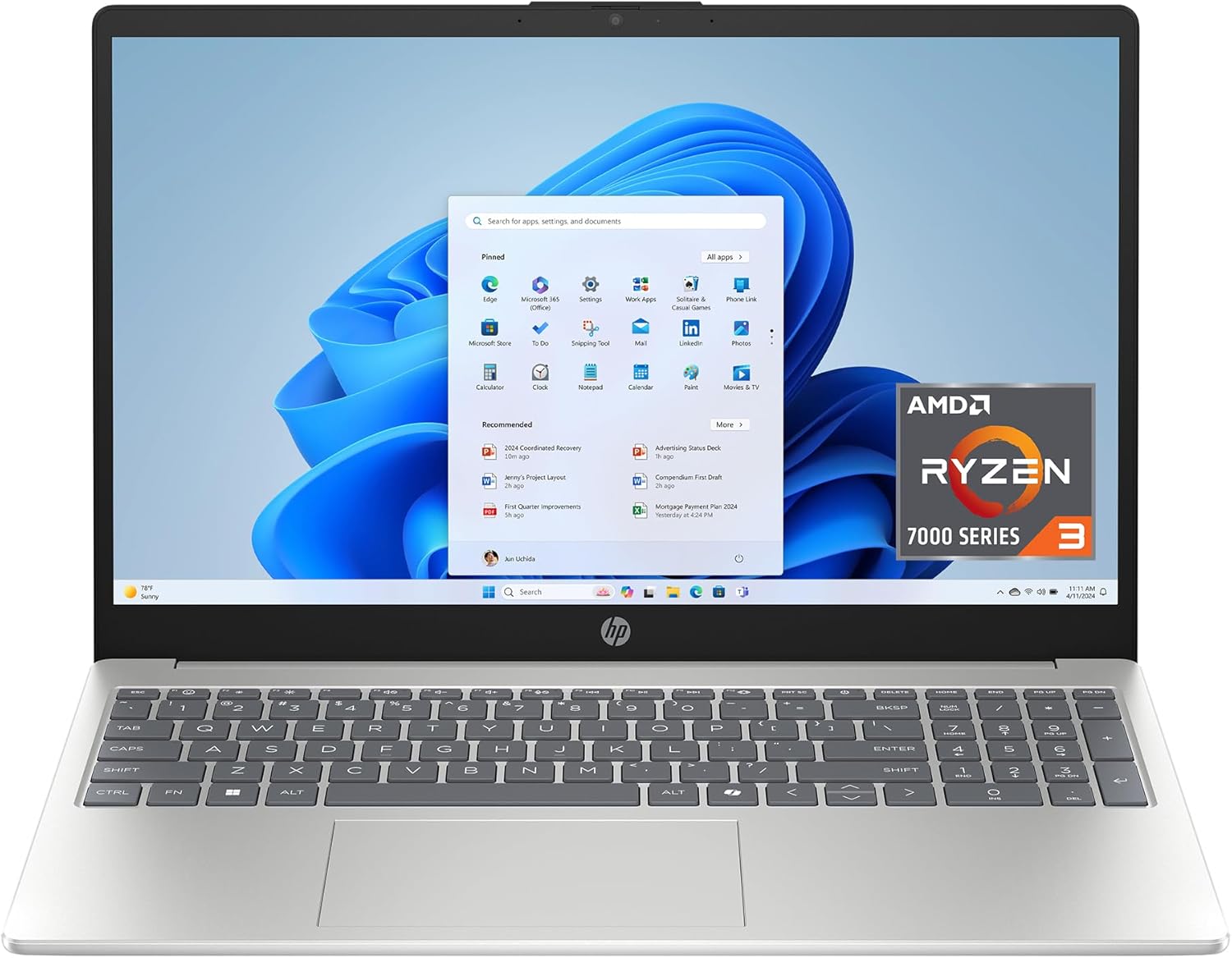
HP 15.6 inch Laptop |
|
|
2
 |
Best Quality
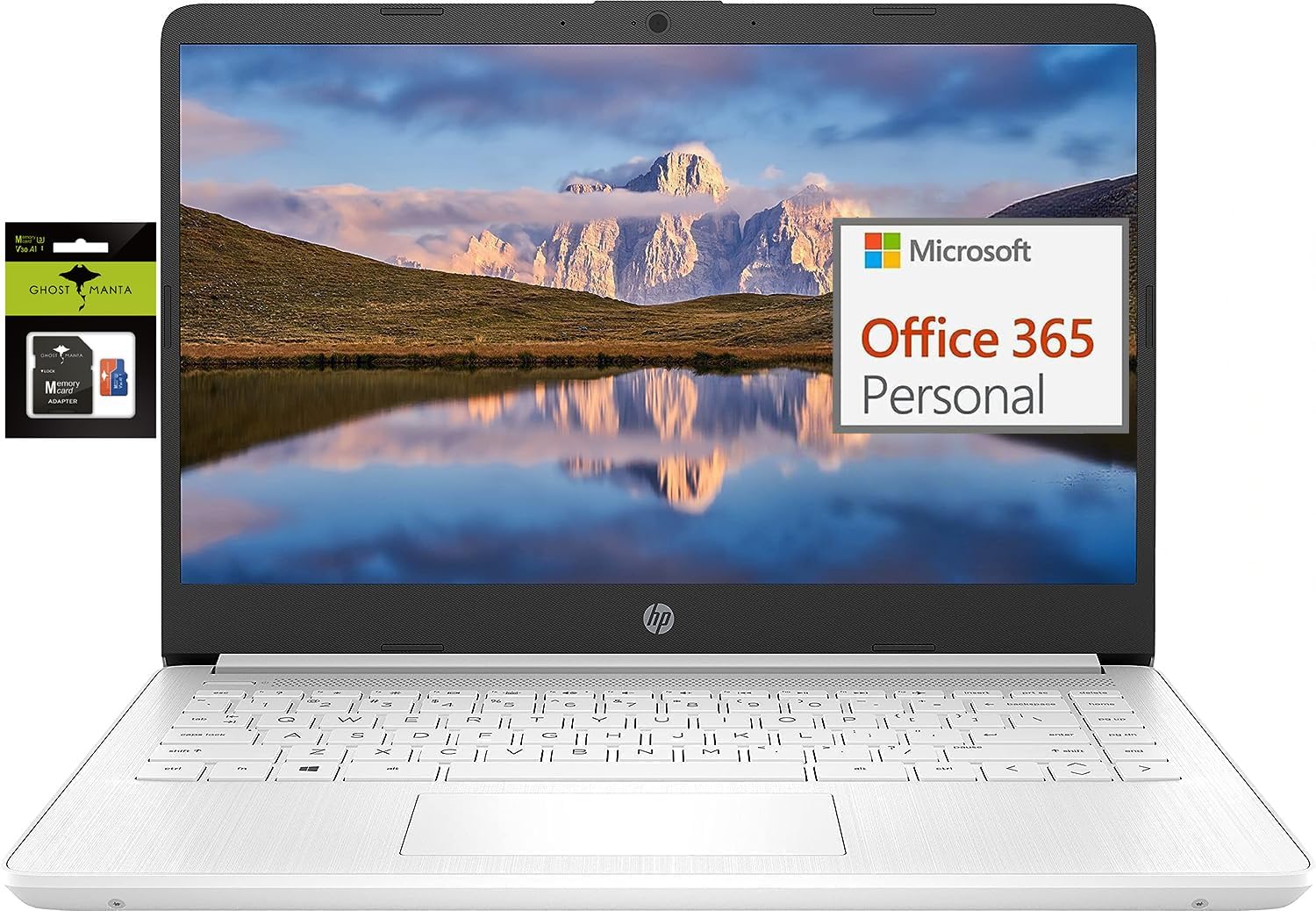
HP 14″ Ultral Light Laptop for Students |
|
|
3
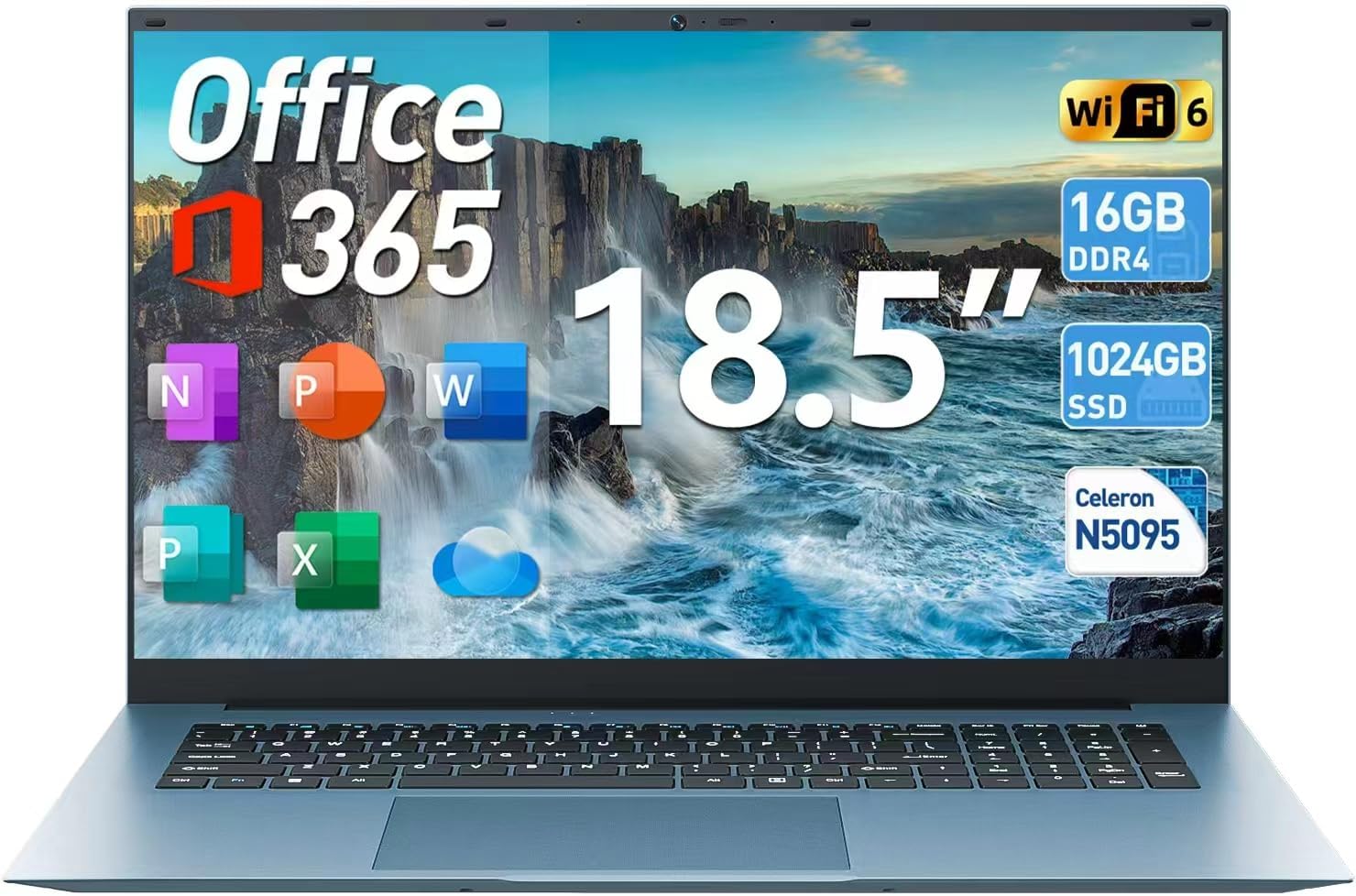 |
SGIN Windows 11 Laptop |
|
|
4
 |
Dell Inspiron 15 Business Laptop |
|
|
5
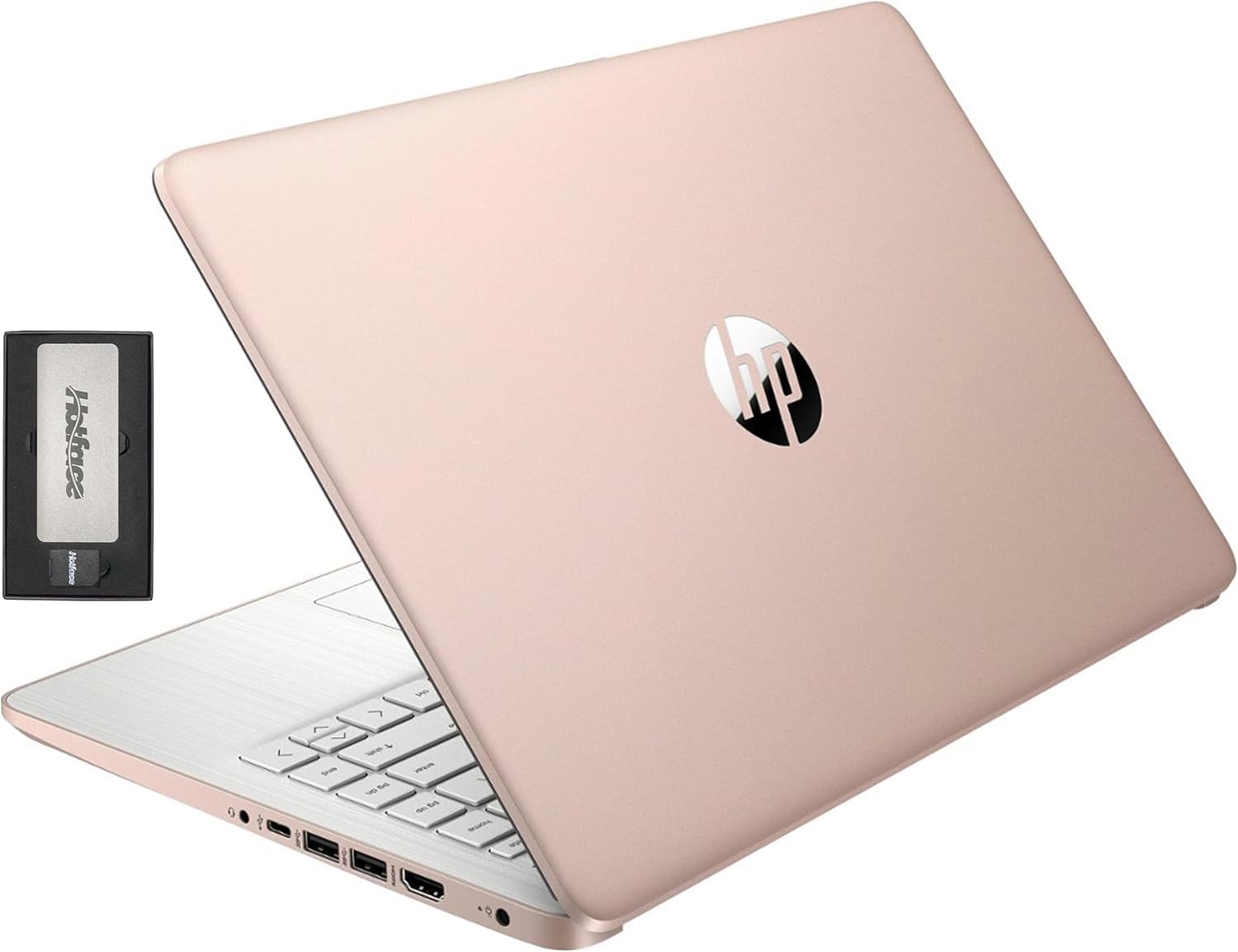 |
HP Stream 14″ HD BrightView Laptop |
Choosing a laptop for college is about balancing performance, portability, battery life, and total cost of ownership. Students run a mix of web-based research, writing, multimedia, and light data processing, so the ideal machine should offer solid productivity performance, reliable Wi‑Fi, and comfortable ergonomics without breaking the bank. In this comparison, we evaluate five laptops spanning a price window from $247.79 to $399.99, representing budget-friendly options and one premium value within this tier. My methodology combines a standardized feature-weighted evaluation with practical, real-world usage scenarios: productivity tasks (document editing, heavy browser workloads, e-mail), media consumption, portability (weight and form factor), display quality, battery life, and usability (ports, expandability, OS experience). We also consider upgradability and long-term value, since student budgets and semester-long usage patterns can shift quickly.
1. HP 15.6 inch Laptop
- Brand: HP
- Manufacturer: HP
Overview: This HP model pairs a Ryzen 3 7320U CPU with 8 GB of RAM and a 128 GB NVMe SSD in a 15.6″ HD touchscreen chassis. It runs Windows 11 Home in S mode and features an integrated AMD Radeon graphics solution, micro-edged display, a privacy camera shutter, and HP’s Copilot integration for quick AI-assisted productivity. The chassis weighs about 3.5 pounds and targets students who want a larger display and tactile touch interactions on a budget. The use of ocean-bound plastics and recycled materials aligns with sustainability goals common in entry-level devices.
In practice, the Ryzen 3 7320U delivers competent everyday performance for web apps, office suites, and media consumption, but the 128 GB SSD can become a bottleneck when installing multiple programs or storing large media files. The 15.6″ touchscreen adds convenience for note-taking and interactive learning, though the 1366×768 resolution is modest by modern standards, which can impact reading clarity and multitasking at high zoom. Battery life is advertised around 12 hours, but real-world stamina will depend on brightness and workload. The 8 GB RAM is adequate for light multitasking, but memory-heavy tasks or simultaneous browser tabs may benefit from an upgrade.
Pros
- Larger 15.6″ touchscreen provides intuitive interaction for note-taking and presentations
- Cheap entry point with Ryzen 3 7320U for productivity tasks
- Privacy camera shutter and microphone mute for privacy
- Energy-efficient LPDDR5 RAM and USB-C data transfer
Cons
- Only 128 GB SSD storage, which can constrain app installation and file storage
- HD 1366×768 display is low-resolution by 2025 standards
- Windows 11 Home in S mode limits app installation until switched
2. HP 14″ Ultral Light Laptop for Students
- Brand: HP
- Manufacturer: HP
Overview: This HP 14″ ultralight is designed for portability and value, using an Intel Celeron processor and 8 GB RAM with 192 GB total storage (split between 64 GB eMMC and a 128 GB Ghost Manta SD card). It includes a 1-year Office 365 subscription, USB-C, and Windows 11 Home. Its target audience is students who need a highly portable daily driver for writing, research, and light media consumption, with the advantage of expandable storage via the microSD/SD card approach.
Performance-wise, the Celeron N-series delivers adequate browser performance and document editing, but expect noticeably slower compilations or multitasking with many tabs. The 11-hour claimed battery life aligns with typical ultrabooks, though sustained streaming or heavy workloads will reduce that figure. The combination of 64 GB eMMC and a Ghost Manta SD card provides usable, low-cost storage, but real-world use benefits from disciplined storage management and selective offloading to external or cloud storage. Build quality emphasizes portability over ruggedness, and the base chassis can feel flexy under heavier typing.
Pros
- Exceptional portability and light footprint
- 1-year Office 365 included
- Expandable storage via microSD/SD card solution
- USB-C and modern connectivity
Cons
- Low primary storage (64 GB eMMC) can be constraining
- Intel Celeron performance is modest for heavy multitasking
- Windows 11 Home in S mode may limit software choices unless switched
3. SGIN Windows 11 Laptop
- Brand: SGIN
- Manufacturer: SGIN
Overview: The SGIN S18 is a large-screen Windows 11 laptop with a substantial 16 GB RAM and a 1 TB SSD, plus Office 365 and a Celeron N5095 quad-core CPU. It includes dual cooling fans, WiFi 6, and a body designed around collaboration and multimedia tasks. The 18.5″ FHD IPS display with an anti-glare coating targets multimedia, streaming, and productivity in a single device, while the solid RAM and storage footprint provides ample headroom for documents, spreadsheets, and media libraries.
In daily use, the N5095 is a basic quad-core processor that can handle typical educational workloads, but it is not a performer in sustained heavy workloads or demanding software development tasks. The 8,000 mAh battery offers around 8 hours of typical use, which is acceptable given the large display and power draw. The WiFi 6 and multiple USB-C/USB-A ports enable flexible peripheral setups, and the 1 TB SSD ensures fast boot and ample file storage. The 18.5″ form factor, however, reduces portability and daily carry comfort for campus life, making it best suited for UX-friendly study setups or dorm-room use.
Pros
- Massive 1 TB SSD plus 16 GB RAM for multitasking and storage
- Large 18.5″ display great for productivity and media
- Windows 11 comes with Office 365
- WiFi 6 and multiple I/O options
Cons
- Heavy and less portable due to 18.5″ screen
- Celeron N5095 is not a high-performance CPU
- Battery life around 8 hours may require charging during long days
4. Dell Inspiron 15 Business Laptop
- Brand: Dell
- Manufacturer: Dell
Overview: Dell’s 15.6″ business-oriented model pairs a powerful 10-core i5-1334U with 16 GB RAM and 512 GB SSD, running Windows 11 Pro. It emphasizes productivity, security, and business-friendly features like Pro edition, robust multitasking, and AI-assisted workflows via Copilot. The touchscreen, 15.6″ FHD display, and Wi-Fi 6 support make it a strong all-around college laptop for students who juggle research, coursework, and light multimedia editing.
Performance-wise, the i5-1334U (with up to 4.6 GHz shown in specs) delivers solid single- and multi-thread performance for office suites, development sandboxes, and data-heavy coursework. The 16 GB RAM ensures smoother multitasking with many browser tabs and apps. As a Windows 11 Pro device, it provides advanced security and domain-join capabilities beneficial for students who require manageability or enterprise scenarios. Battery life is competitive; however, the payload of a 15.6″ touchscreen may impact weight and day-long stamina when the screen is bright.
Pros
- Strong CPU for multitasking and productivity
- 16 GB RAM and 512 GB SSD provide headroom for apps
- Windows 11 Pro with enterprise features
- Touchscreen enhances interactive learning
Cons
- Not priced within the lower-budget range
- Potentially heavier for all-day portability
- Pro edition may be excessive for typical student use
5. HP Stream 14″ HD BrightView Laptop
- Brand: HP
- Manufacturer: HP
Overview: The HP Stream 14″ offers an N150 processor, 16 GB RAM, and 416 GB total storage via 128 GB eMMC plus an included 256 GB 7-in-1 docking station combo and 32 GB microSD. It runs Windows 11 Home in S mode and includes a 1-year Office 365 subscription, making it a strong value proposition for students who need a practical, well-equipped everyday laptop with extensive bundled storage accessories.
In use, the N150-based system will handle typical college tasks—document editing, research, streaming, and light multitasking—better than entry-level Celeron machines, thanks to more capable processor cores and the 16 GB RAM. The bundled docking station and microSD expansion sets are unusual add-ons that improve storage flexibility. The 14″ BrightView display provides good color and brightness for classroom environments. Battery life is generally solid for a compact laptop, though real-world performance will depend on brightness and usage patterns.
Pros
- Strong value with bundled Office 365 and storage accessories
- 16 GB RAM supports smoother multitasking
- 14″ portable with decent brightness
- Docking station bundle increases expandability
Cons
- N150 is still an entry- to mid-range CPU
- S mode limits software installation unless switched
- Display resolution is 1366×768, which is low by today’s standards
Frequently Asked Questions
We’ve compiled answers to the most common questions about laptops fors to help you make an informed decision.
Conclusion
Final thoughts: The five laptops span a practical spectrum for college use, from budget-focused options (HP 14″ Ultral Light and HP Stream) to performance-oriented configurations (Dell Inspiron 15).
For most students, the Dell Inspiron 15 offers the strongest blend of CPU power, RAM headroom, and enterprise-friendly features, making it the best overall pick in this group. If display size and multimedia capability are your priority, the SGIN S18 provides exceptional screen real estate and storage, albeit with portability trade-offs.
The budget HP offerings deliver excellent value for students who primarily need to study, draft, and browse with minimal on-device storage needs. Finally, the HP 15.6″ Ryzen 3 model provides a balanced option with touch functionality and a modern CPU at a moderate price point, suitable for learners who value a larger screen without paying a premium..